There are many users who don’t update their iPhones on a regular basis. The importance of these updates cannot be fathomed unless you stumble upon these sorts of issues. If you are trying to set up your Apple Watch, you may get surprised with this “iPhone out of date” error prompt. If you are getting this one on your watch, these solutions will help you get out of this.
Why am I getting the ‘iPhone out of date’ message on the iPhone?
Apple takes care of their devices for a long time after launch, with regular updates and newer OS iterations. But, there are exclusions to this as well. Like, their watch lineups, Apple Watch Series, SE and Ultra models come with limitations. The newer version of the Apple Watch may not support on your older iPhones. These restrictions often originates from the hardware limitations on the older iPhones.
There are some features that are not supported on older devices with iOS 13 or before. We have focused the light on these limitations and prescribe a few possible steps that you may take to resolve the issue on your own.
Fix – Check the iOS compatibility
The actual reason you are facing this problem on your Apple Watch is the version incompatibility. You can’t set up your latest Apple Watch with a very old iPhone. For an example, you can’t set up or use Apple Watch Ultra 2 (running on watchOS 11) with an iPhone X running on iPhone 17.
You must update the OS~
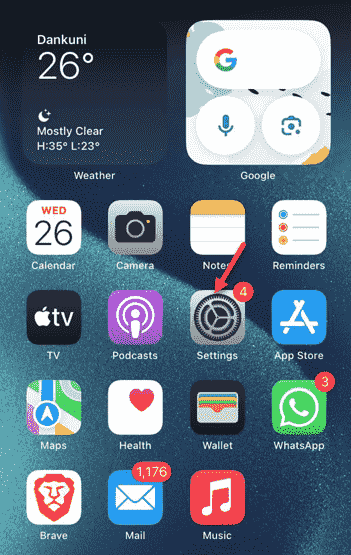
Step 1 – The first thing you have to do is to open up the “Settings” page on your iPhone.
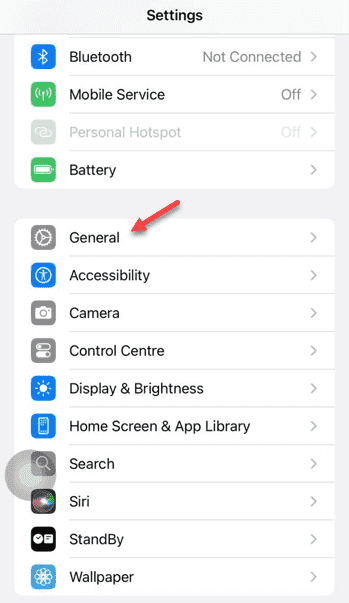
Step 2 – Then, go to the “General” section there.
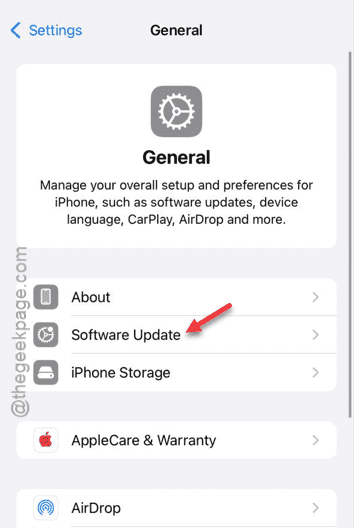
Step 3 – Open up the “Software Update” section.
Step 4 – There should be an iOS update pending there. Install the update from there.
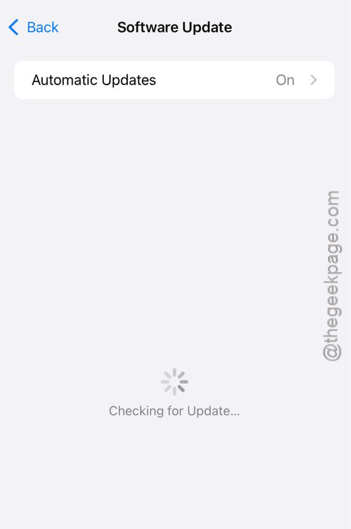
Restarting the device is the most important and final step in the update process. So, when it requests for that, reboot the device and let the update process get finished.
Later, you can try to set up your Apple Watch.
Apart from the iOS version restrictions, there is the obvious device restriction as well. The devices that are old and out of scope of iOS updates, cannot be used to pair up with your iPhone.