If the videos on the Instagram are not playing, and you are looking for a solution, you have come to the right place. The videos or reels on Instagram should start to play automatically whenever you come across on your Home feed. But, in some specific situations, this may not be the case and the videos might not be playing automatically.
Fix 1 – Force Close the app
You should force-quit the Instagram and later relaunch the same Instagram app. If a one-time glitch has caused this problem, doing this should solve the issue.
Step 1 – Just do a swipe gesture from the bottom part of the iPhone screen.
Step 2 – When you do this, all the running app windows float on the screen. Directly, close the Instagram app here.
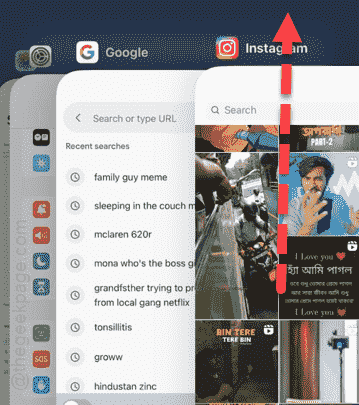
After force-quitting the Instagram app, relaunch the same app.
Try to view some video on the app or check out some reels in your feed.
Fix 2 – Offload the Instagram app
Offloading Instagram will remove the app cache (which is locally stored on your phone).
Step 1 – You can go ahead and go to the Settings home page.
Step 2 – Now, you must go to the “General” set of settings.
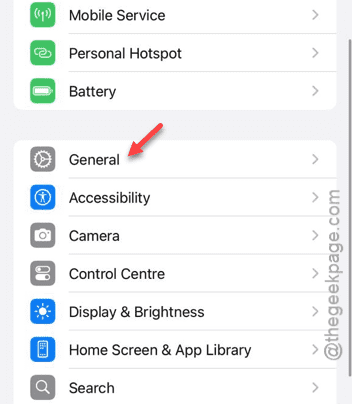
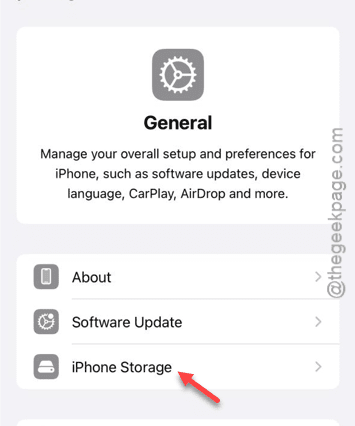
Step 3 – Among all the other items present there, you have to open up the “iPhone Storage” settings.
Step 4 – In the iPhone storage page, look for the “Instagram” app entry. You have to open it up.
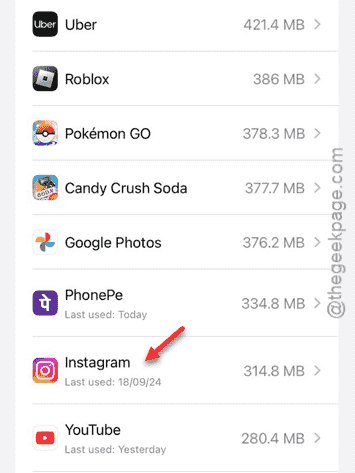
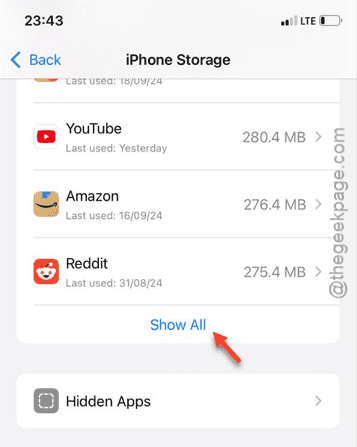
Step 5 – Now, it may not show up in that brief list. In that case, use the “Show All” button to get access to the full list of apps installed on your iPhone.
So, open up the Instagram settings from there.
Step 6 – Once you have access to that page, tap the “Offload App” option.
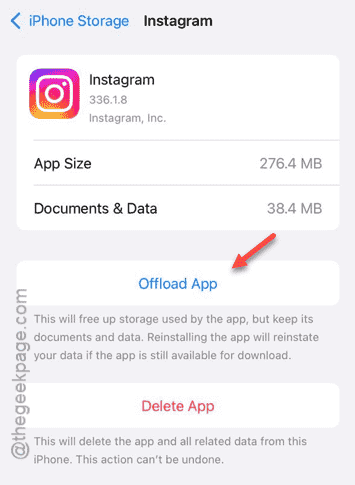
Once you have offloaded the app from the iPhone, wait a few seconds and come back to the same page.
Step 7 – Tap the “Reinstall app” option in there to offload the app directly from your iPhone storage.
Most of the time, this should be enough to solve this problem. As the app gets reinstalled on your phone, streaming videos should not be a problem for you.
Fix 3 – Update the Instagram app
If you haven’t updated the Instagram app in a while, you may face a slight problem with the Instagram videos.
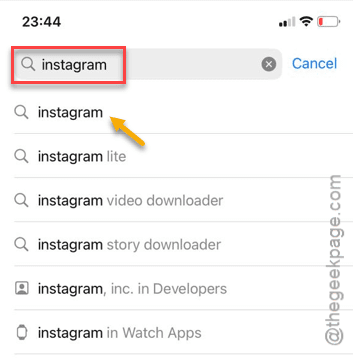
Step 1 – Updating Instagram is very easy. Just go to the App Store and type “Instagram” in the search box.
Step 2 – Next, tap the “Instagram” app from the search result.
Step 3 – You will reach the Instagram App Store page. If an update is impending, tap the small “Update” button to start updating the app.
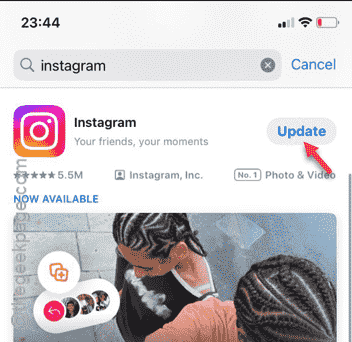
It will be updated very soon.
After installing the update, the videos, reels will work normally. Check if this works!